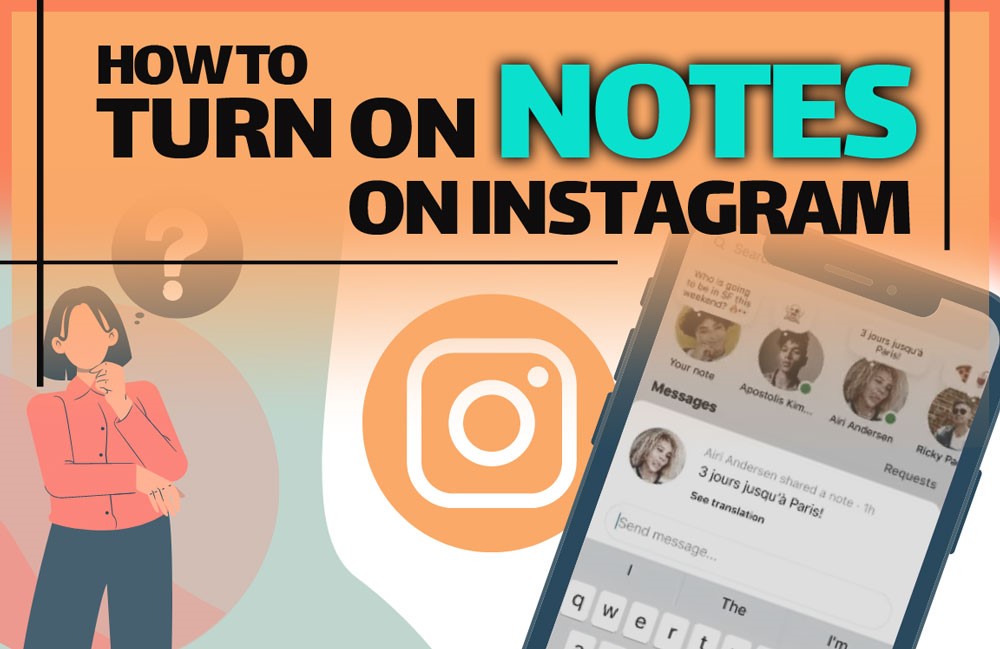
You’re scrolling through Instagram and spot a tiny glowing bubble in your DMs calling your name. Friends are sharing quick thoughts, lyrics, or jokes, and you want to know, “How to turn on Notes on Instagram app and join in?” The Instagram Notes DM feature has made chatting more playful and spontaneous.
With the Instagram Notes update 2025, users can share short texts or songs that vanish after 24 hours. If you’ve been curious about how to write Notes on Instagram, this Instagram Notes guide will show you how to activate, use, and enjoy them effortlessly.
In the first step, if you want to save interesting content that others have posted, you can use Hub Downloader Instagram tools to easily save the content and watch it later.
What are Instagram Notes and How to Use Them?
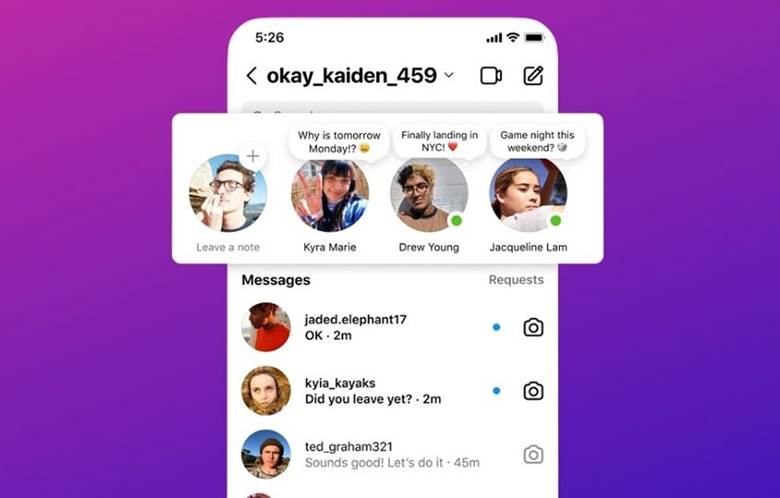
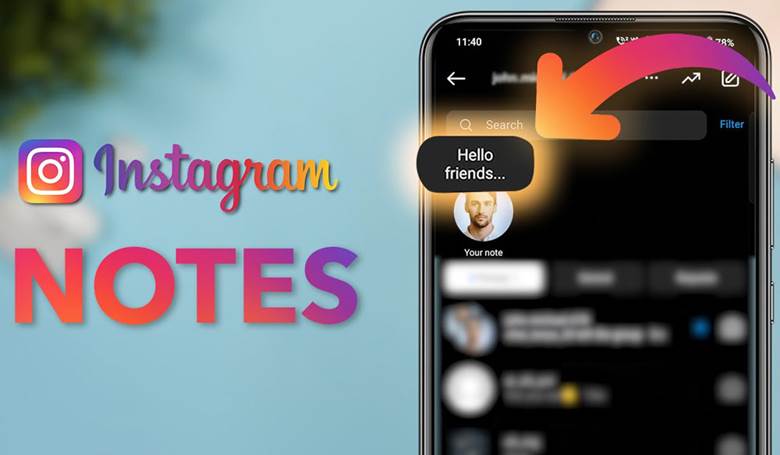
Notes on Instagram are short, temporary posts visible at the top of your DM inbox. You can share thoughts, lyrics, questions, or even reactions, up to the Notes message limit of 60 characters. Some people even use Instagram private Notes to share updates only with their Close Friends list for added privacy.
Notes appear on your profile picture and can be seen by your Instagram followers and your Notes audience, depending on your sharing settings. Followers can reply directly, so if you’re curious about how to reply to Instagram Notes, just tap on the Note and send a message through DMs.
Before you explore further, make sure you turn on Notes on Instagram to access all the features.
Curious about other updates? Read our latest post on What Are New Features on Instagram in 2025.
How to Turn on Notes on Instagram?
To turn on notes on Instagram, just follow a few simple methods in your DMs or profile. This easy process lets you start sharing quick, fun updates instantly. Our Instagram Notes tutorial in 2025 will guide you through everything.
1. Activate Notes on Instagram DM
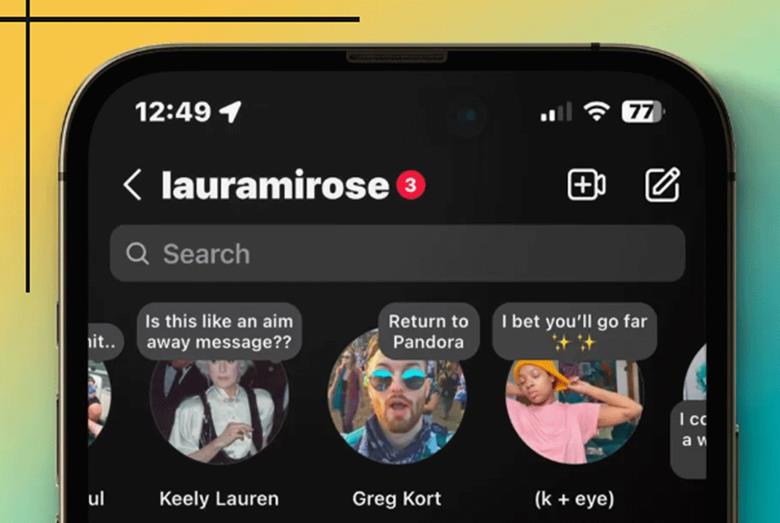
The primary way to post a Note is through your DMs, which allows you to enable the Instagram Notes feature directly in DMs, making it easy to interact and share quick thoughts on Instagram. Here’s how:
- Open the Instagram app and tap the DM icon in the top-right corner.
- In your inbox, tap on “Your note” above your messages.
- Tap the “What’s on your playlist?” bubble and type a short text message (up to 60 characters).
- You can add music using the musical note icon or record a short video to replace your profile picture temporarily.
- Choose whether to share your Note with followers you follow back or your Close Friends list.
- Hit Share, and your Note is live for 24 hours.
2. Turn on Notes on Instagram from Your Profile
You can also create Notes from your Instagram profile. This method is perfect if you want to share Instagram Notes for friends without entering your DM inbox. You can also @mention users in your Notes if their settings allow it.
- Tap your profile picture and look for the Notes icon in Instagram.
- Write a quick update, add a song, and pick who can see it.
- Post and let it disappear after a day.
Who Can See My Notes on Instagram?
Visibility depends on your Instagram Notes settings guide. Only people you follow back or your Close Friends can view Notes on Instagram, giving you Instagram notes visibility control. You can also hide Instagram Notes from specific users if you prefer.
If you want to experiment with Instagram Notes sharing with followers, select “Followers you follow back” when posting, perfect for casual interactions without oversharing.
Instagram Notes Tips and Tricks
Before you explore, make sure you turn on notes on Instagram to access all the features. Here are some advanced tips for making the most of Instagram Notes; remember, notes only last 24 hours, so plan your content accordingly.
- Write engaging text: Keep it short, punchy, and interesting.
- Add music or loops: Use Instagram Notes to share songs or quick videos for more engagement.
- Share ideas creatively: Instagram Notes ideas can include polls, short messages, or fun reminders.
- Engage with responses: Users replying to your Notes will appear in your DM inbox, so stay interactive.
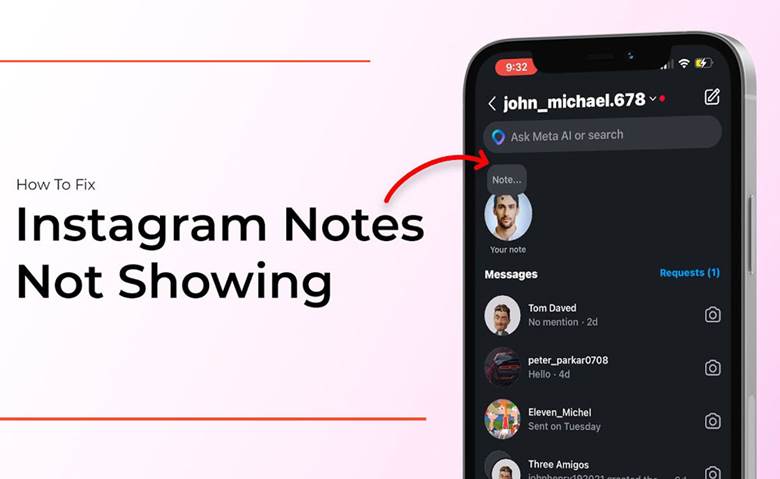
(5) Troubleshooting Methods for Instagram Notes Not Showing
After the tips about turning on notes on Instagram, sometimes, you may want to know why you don’t have Instagram Notes or experience an Instagram Notes problem. This is the go-to Instagram Notes not showing fix when the feature seems missing:
- Update Instagram for new features: Make sure your app is running the latest version.
- Check Instagram Notes availability: Some accounts may not see Notes immediately due to gradual rollouts.
- Reinstall the app: This can resolve minor bugs.
- Clear cache or restart your device: Often, a simple solution for hidden Notes issues.
- Review privacy settings: Ensure your account type allows sharing Notes with followers.
Consider that if you experience similar bugs or errors in the app, try to read our article What are the Common Instagram Bugs and Fixes for more complete solutions.
Conclusion
Instagram Notes have turned casual messaging into a fun, interactive way to connect with friends and followers. Knowing how to turn on notes on Instagram allows you to share short texts, music, or playful thoughts effortlessly.
Managing visibility and privacy ensures your updates reach the right audience. Mastering Notes keeps you engaged, creative, and always part of the conversation.
Let’s have a talk! Have you tried leaving your first Instagram Note yet? Share your experience below! Which creative idea would you use for your next Note? Comment now! Jump in and start sharing your thoughts with friends, your first Note could spark a conversation!
Can I schedule my Instagram Notes to post later?
No, Instagram Notes are designed for spontaneous sharing and cannot be scheduled. You need to post them manually when you want your followers to see them.
Do Instagram Notes notify followers when I post one?
No direct notification is sent. Followers see your Note at the top of their DM inbox or profile bubble, making it a subtle, casual way to share updates.
Can I see who viewed my Instagram Notes?
Yes, you can see Notes on Instagram by tapping the Note. Instagram shows which followers or Close Friends have seen it within the 24-hour window.
Is there a way to save Instagram Notes before they disappear?
Instagram Notes automatically disappear after 24 hours, and there’s no built-in save option. You can screenshot or record your Note privately if needed.
Can I reply anonymously to an Instagram Note?
No, replies go directly as a DM to the Note’s creator. This ensures conversations remain private and traceable between the sender and receiver.