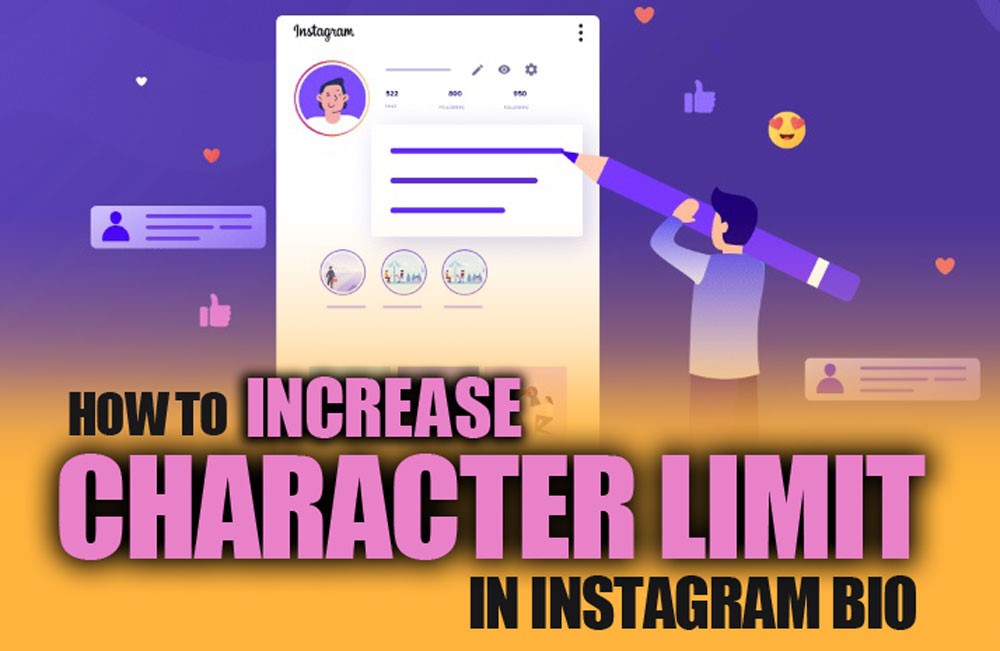
Feeling boxed in by Instagram’s 150-character bio limit? What if you could increase character limit in Instagram bio and pack in everything that truly defines you? Imagine a bio that not only introduces you but also guides followers to multiple links, content, and offers, all in one place.
In this guide, we’ll uncover clever, up-to-date strategies to break free from the limit, optimize your profile, and skyrocket engagement. Get ready to turn your Instagram bio into a magnetic, interactive hub your audience can’t resist exploring.
In the first step, if you want to keep all your favorite Instagram photos, videos, and stories with you at all times? With our Hub Downloader, fast and free download tools, you can save content without any hassle.
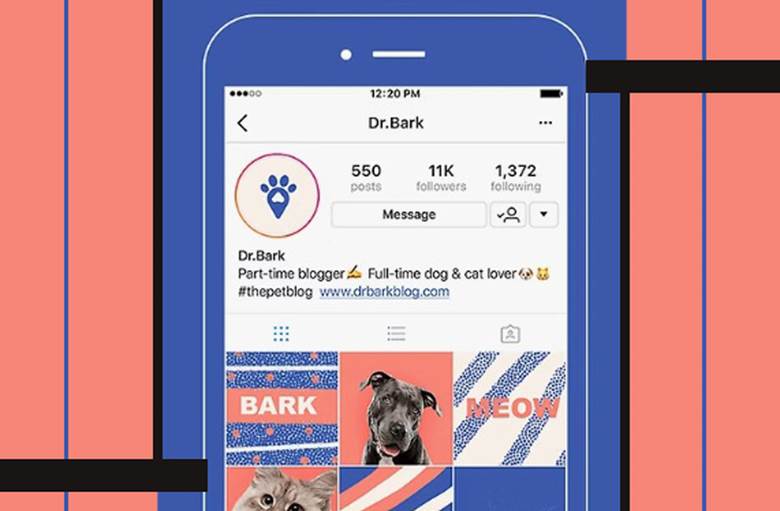
How Many Characters Are Allowed in Your Instagram Bio?
Before trying any workaround, it’s essential to know the official Instagram bio character limit that helps you plan ways to bypass it while keeping your profile professional and optimized.
- Instagram allows only 150 characters in the bio section.
- This includes spaces, emojis, line breaks, and any links.
- While restrictive, understanding this limit is the first step to learning how to increase the character limit in an Instagram profile creatively.
Read more: Want to edit your Instagram bio like a pro in 2025 and make the most impact on your followers? Read the complete, step-by-step guide about how to change your Instagram Bio in 2025.
Top Ways to Increase Character Limit in Instagram Bio Over 150 Characters
Breaking the 150-character limit is easier than it seems. With creative strategies, you can boost bio character count, share more information, and make your profile a hub for links, content, and engagement.
Here are several proven methods inspired by top resources to increase character limit in Instagram bio:
1. Use a Micro Landing Page
One of the most effective ways to increase the character limit in an Instagram bio is by creating a mini landing page. This method allows you to extend your Instagram bio via a landing page while staying within Instagram’s rules.
Using a micro landing page for Instagram bio (Taplink) is a smart workaround to the Instagram bio limit, giving your audience access to more content without cluttering your main bio. Tools like Taplink for Instagram bio provide a flexible solution:
- Add text blocks, images, videos, PDFs, and subscription forms.
- Customize fonts, layouts, colors, and visual elements.
- Use a unique URL in your Instagram website field.
- Provide followers with a complete bio and multiple links in one place.
2. Optimize Your Profile with Keywords and Emojis
Even within Instagram’s 150-character cap, you can maximize the Instagram character limit by using keywords, emojis, and visuals efficiently.
Following social media bio tips, such as these small tweaks, can improve your Instagram profile optimization and overall discoverability in order to increase character limit in Instagram bio:
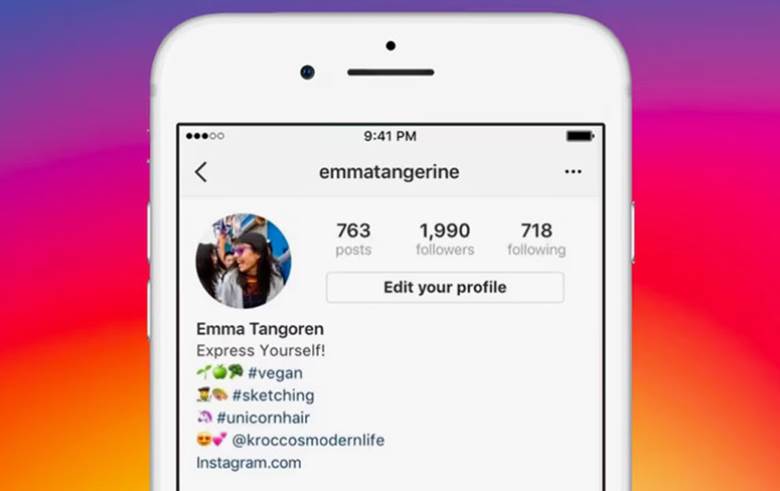
- Include key phrases related to your niche to make your bio searchable.
- Use emojis strategically to save characters and visually highlight points.
- Add a clear call-to-action to guide followers to use link-in-bio tools or a landing page.
Read more: Do you want to see what your old Instagram bios were and what changes they made? Take a look at your bio history and discover all the previous versions! For a complete and up-to-date guide for 2025, ” How to see your old Instagram bio, is your answer.

3. Leverage the “Name” Field for Extra Text
Your Name field (display name) is not limited to just your personal or brand Name. By adding keywords or a short tagline, you can effectively increase character limit in your Instagram bio in a subtle way:
- For example: If you’re a growth coach, you might put “Growth Coach / Strategist” in your Name.
This trick acts like a “free extension” for your bio, helping with character visibility and Instagram SEO. It’s a clever way to boost Instagram bio best practices without altering the main bio content.
Read more: Looking for inspiration and positive energy for your Instagram bio? You can find short and motivational ideas that will attract followers in the ” Short Motivational Bio for Instagram article. With these bios, your profile will not only be unique and attractive, but will also convey your positive and motivational message!
4. Add Hashtags and Mentions in Your Bio
In the fourth method to increase character limit in Instagram bio, incorporating hashtags and mentions makes your bio interactive and helps your profile connect with other accounts while remaining concise.
Smart use of hashtags and mentions enhances your Instagram growth strategies and ensures your profile reaches a wider audience.
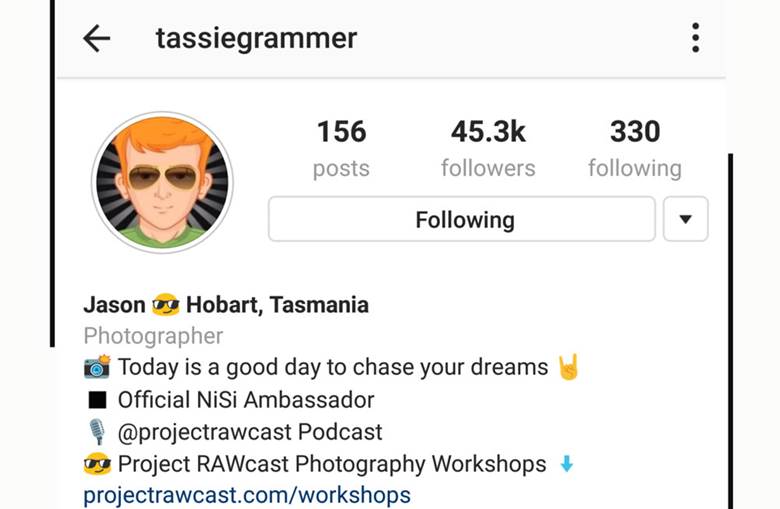
- Include one or two relevant hashtags (for example, your brand hashtag or niche tag).
- Mention other accounts (using @) to create connections and drive traffic.
5. Embed Keywords + Strong Call-to-Action (CTA)
In order to increase character limit in Instagram bio, always use a character-count tool to ensure you’re making the most of the 150-character limit. This not only supports Instagram marketing tools but also encourages followers to engage with your profile link management system.
Strategically embedding keywords and clear CTAs in your bio maximizes efficiency and engagement:
- Insert keywords relevant to your niche (for example, “consultant,” “designer,” “coach”).
- Include a clear CTA, like “Tap link below,” “Get my free guide,” or “Visit my Taplink page.”
6. Include PDFs or Downloadable Resources via Landing Page
For sharing extended content beyond the character limit, you can use an online landing page for social media:
- Use a landing-page tool (like Taplink) to add PDF files to your micro-landing page.
- Upload free eBooks, portfolios, checklists, or other valuable resources.
This approach allows you to increase Instagram engagement, provide valuable content, and customize your bio link customization strategy without exceeding the character limit.
Conclusion
By using micro landing pages, link-in-bio services, strategic keywords, emojis, hashtags, and CTAs, you can increase the character limit in your Instagram bio and transform your profile into a dynamic, engaging hub.
These strategies help you overcome the maximum Instagram bio length, share more content, boost discoverability, and drive meaningful engagement. Start applying these strategies today to make your Instagram bio truly work for you.
Tell us what you think about increasing character limit in Instagram bio! Which strategy are you most excited to try to supercharge your Instagram bio? How would you use a micro landing page to extend your bio beyond 150 characters? Ready to elevate your Instagram game? Click the link and start transforming your bio today!
Can I really add unlimited content using a micro landing page?
While Instagram restricts the bio to 150 characters, using a micro landing page allows you to host unlimited text, links, and media externally.
Will using hashtags and mentions make my bio look cluttered?
Not if used strategically. Limit hashtags to one or two relevant tags and mention only key accounts; this enhances discoverability without overwhelming the reader.
How often should I update my Instagram bio for maximum engagement?
Update your bio whenever you have new offerings, links, or promotions. Regularly refreshing it keeps your profile relevant and encourages followers to revisit your links.
Do emojis actually help increase bio character space?
Yes! Emojis occupy less space than words and can replace text elements, allowing you to communicate more within the 150-character limit while adding visual appeal.
Are landing-page tools like Taplink suitable for business and personal accounts alike?
Absolutely. Whether you’re a creator, entrepreneur, or brand, landing-page tools consolidate multiple links and resources in one place, making any profile more functional and engaging.